Features
See what your shared memories can become.
The creation work comes first, because it is what people arrive for and what they pay for: restoration, then preparing a photo for print, then keeping a person recognisable, then a place you can look around. Everything that holds it together follows.
Mend the damage, keep the photo
Recover clarity, repair creases, tears and fading, and correct colour that has shifted with age. The source stays untouched and every created version is clearly identified as created and linked back to what it came from.
Drag the handle. The version on the left is the print as it arrived, and it is still in the Circle exactly like that.
How created versions are identified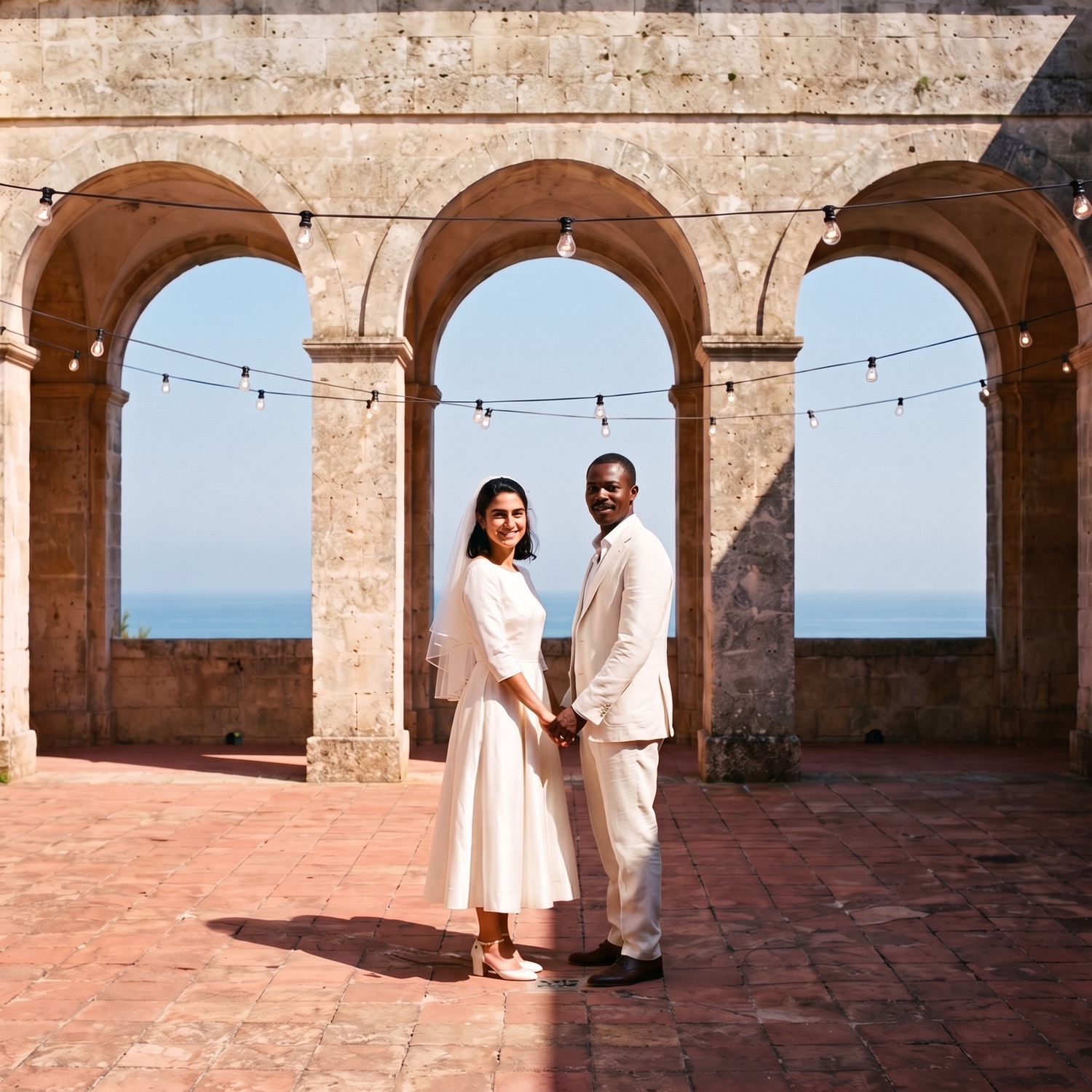
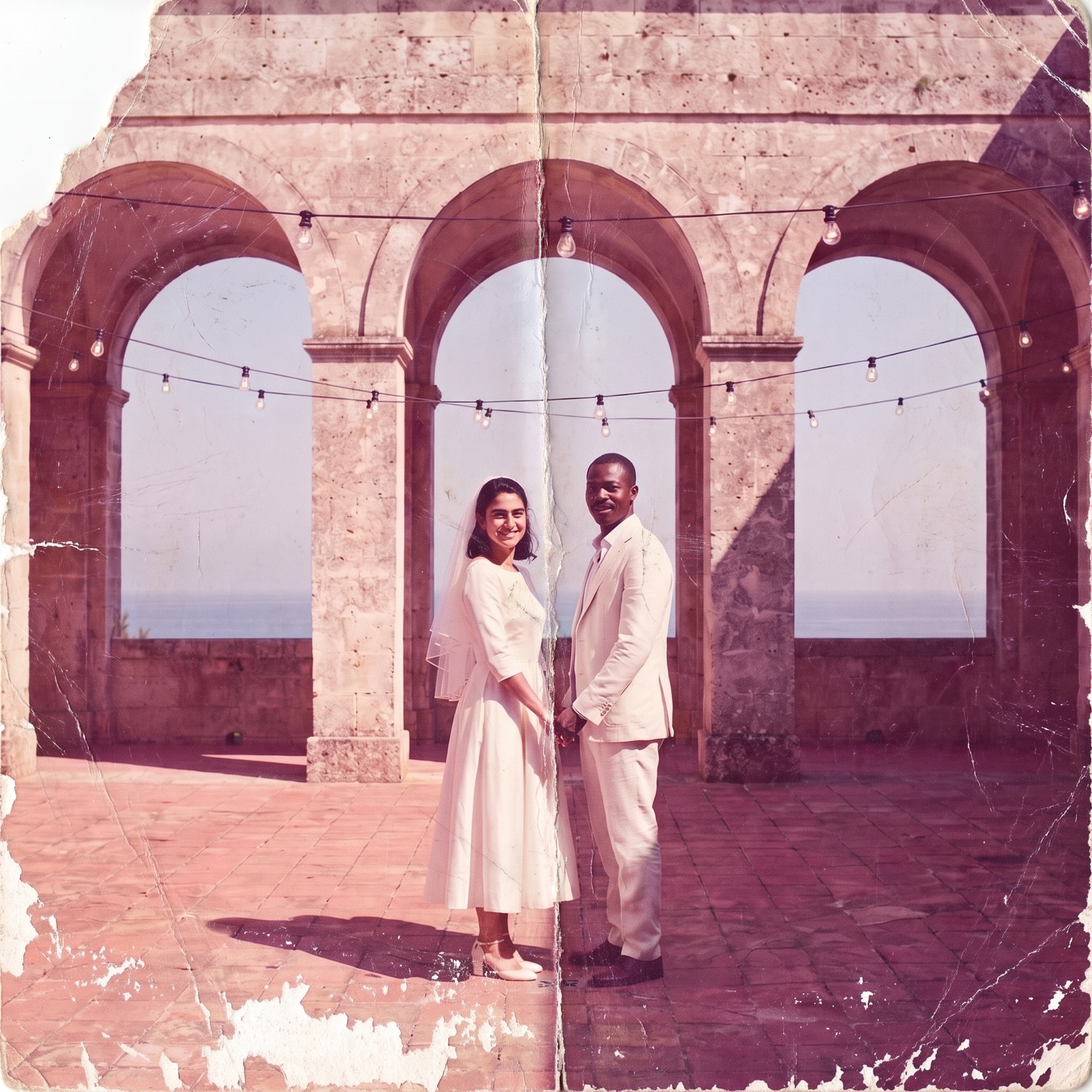
Widen the frame, or fit the one you have
A mended photo can be reframed to hold more of the place it was taken in, or prepared at the aspect ratio a particular frame, album or gift actually needs, at a size that survives being printed.
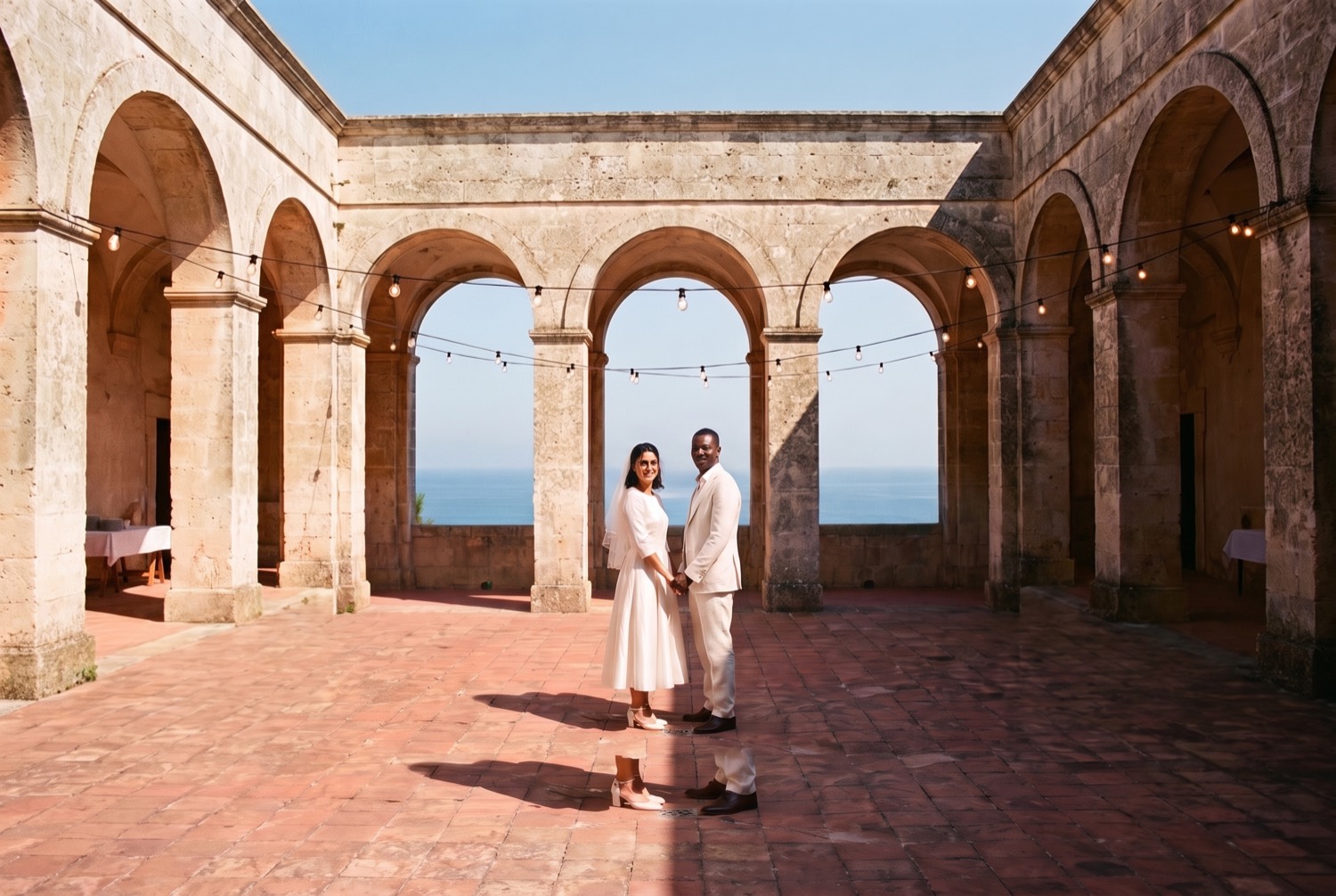
Recognisably them, not someone who resembles them
A Likeness is a reviewed visual reference for one person at one period of their life. When a damaged photo is mended, the reference is what keeps the repair honest, so the person who comes back is the person who was there, not a stranger with the right hair.
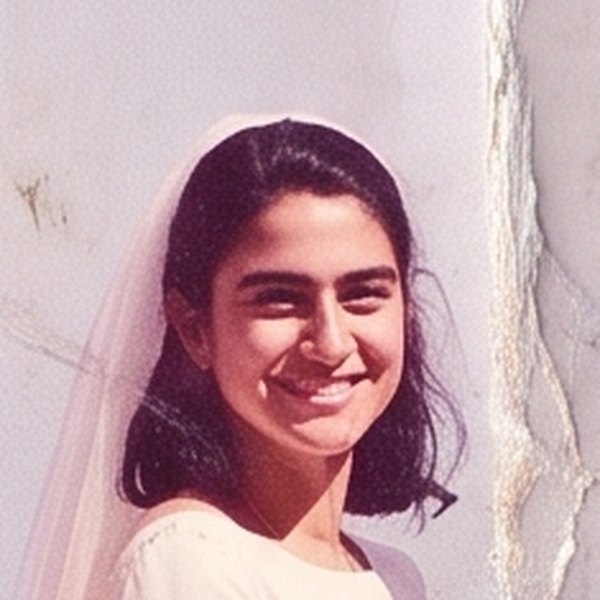
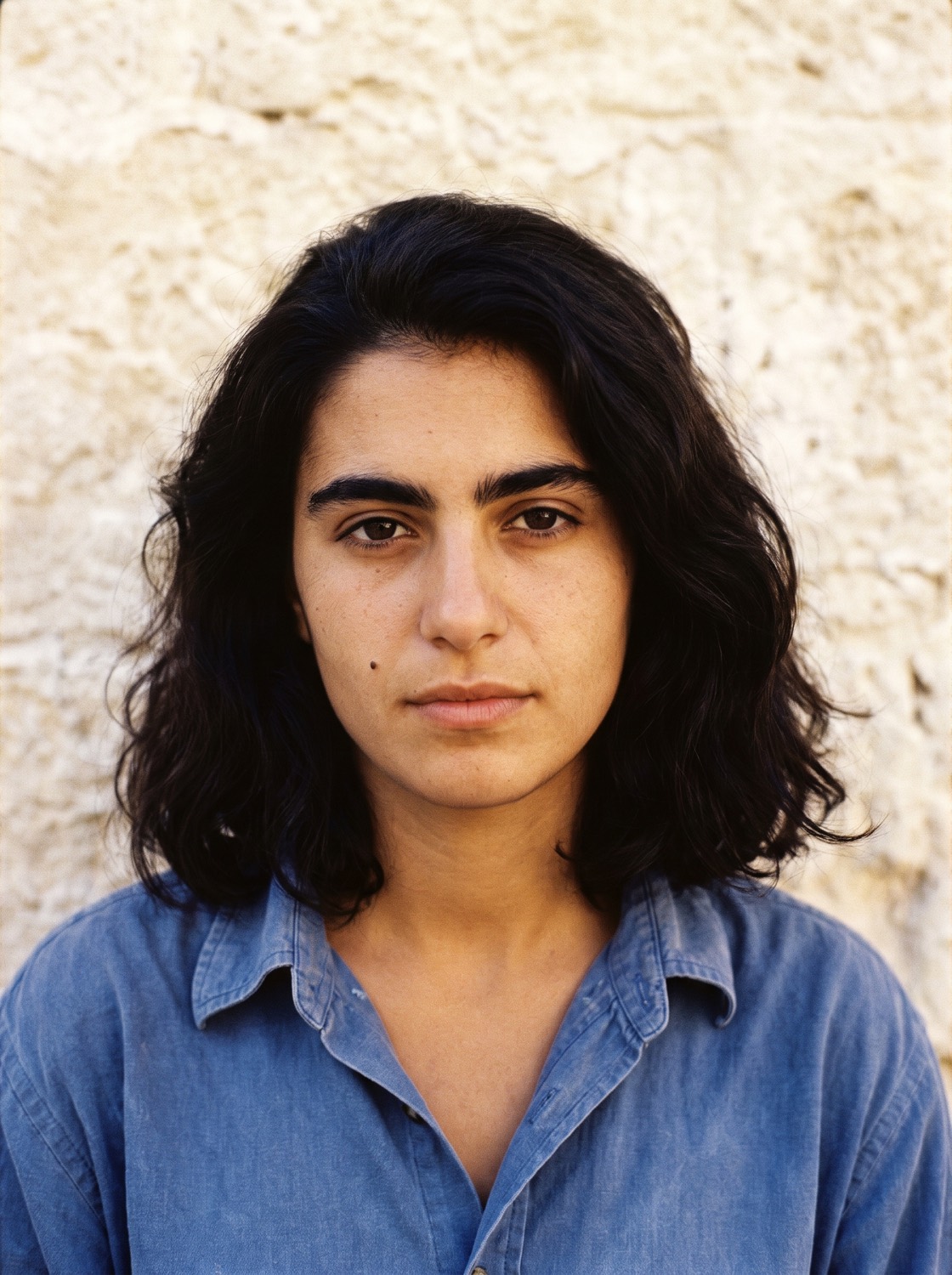
What one is made of
Three reviewed reference views of one person at one age. They reduce the guesswork rather than promise perfection, and the result is reviewed before it is kept.
Front
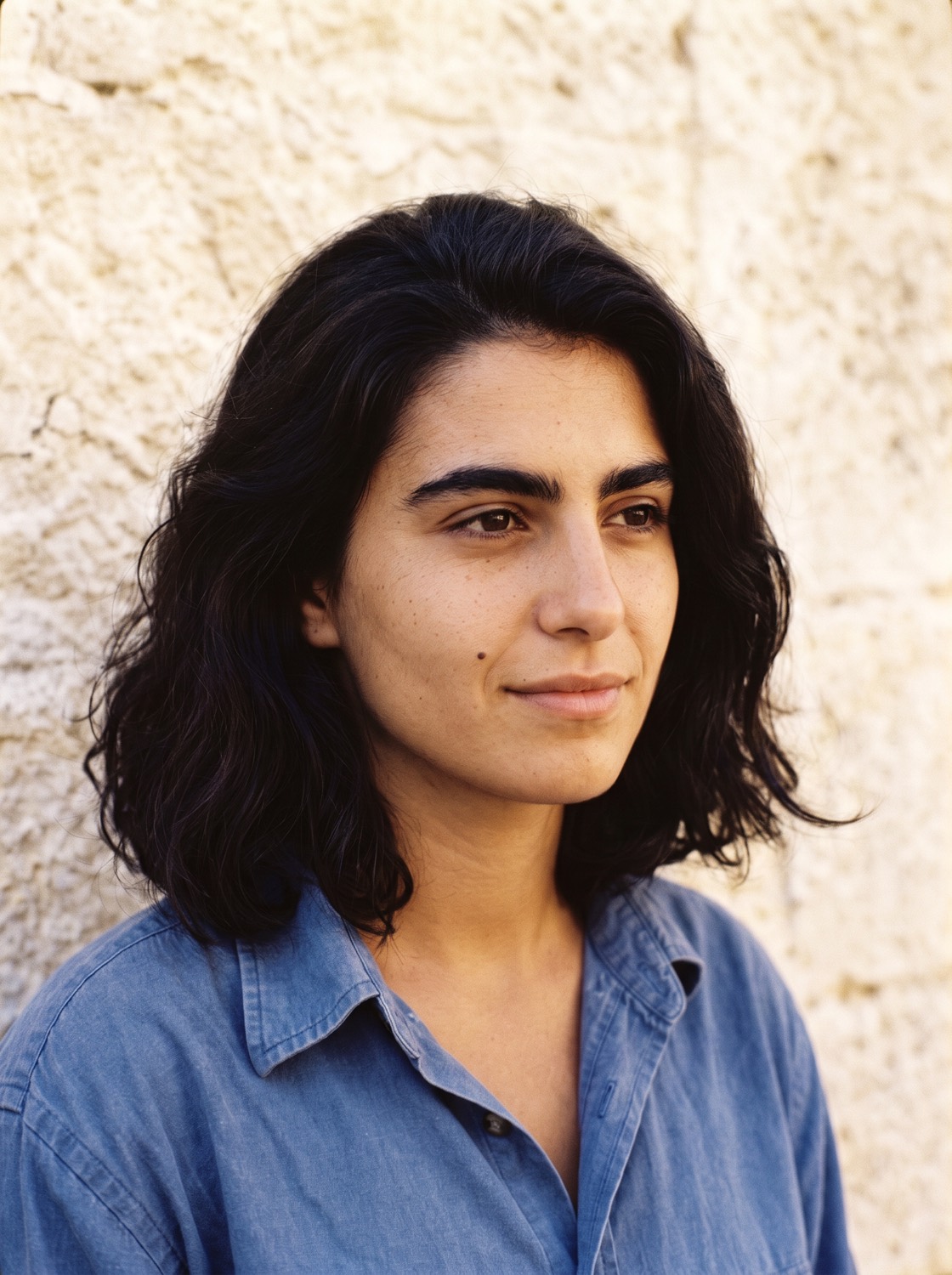
Three quarter
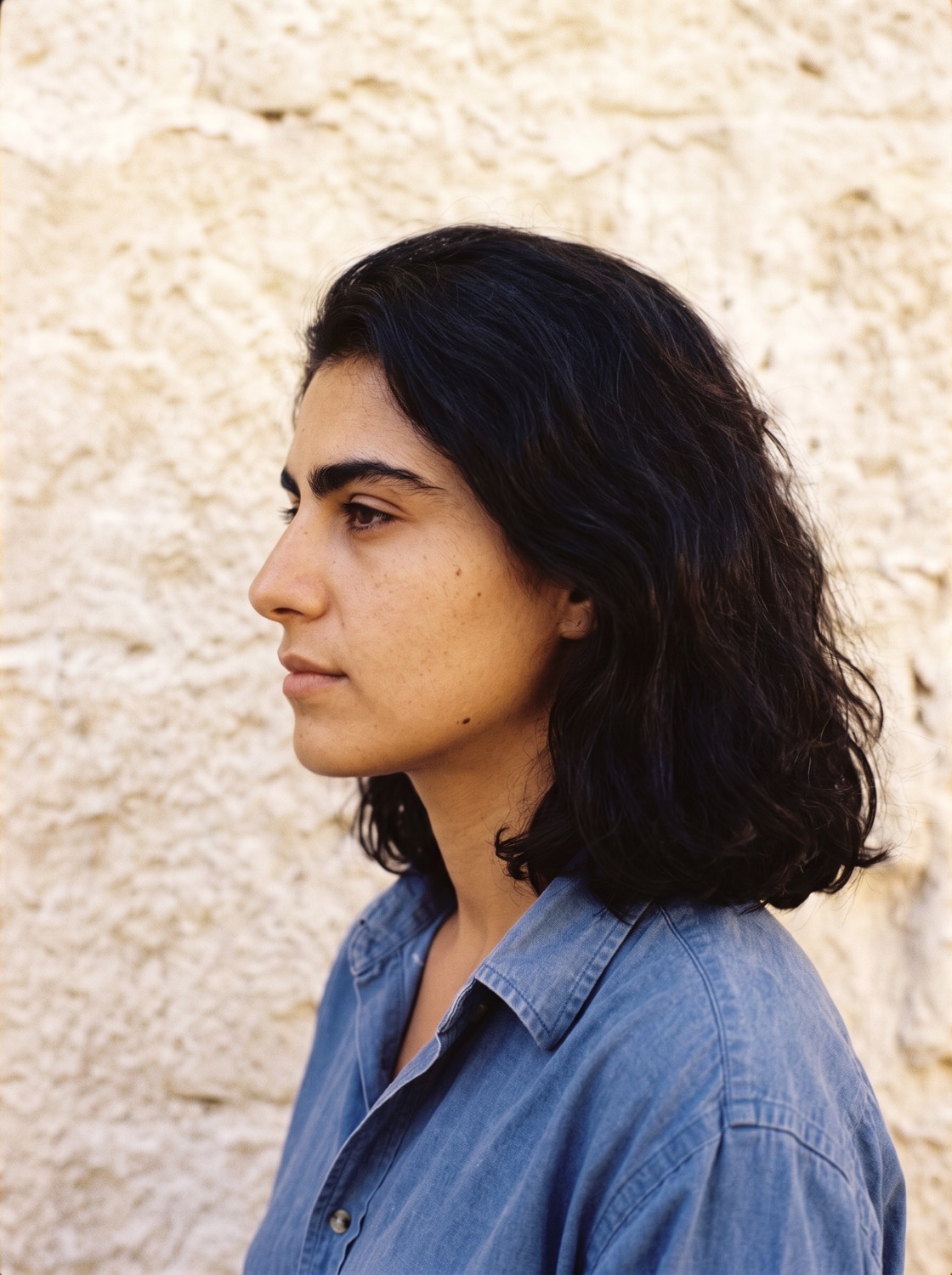
Profile
Rosa Marchetti, as she was at 26, in 1987.
What it keeps honest
The same face, before and after. The source stays in the Circle damaged, and the created version is labelled created wherever it appears.
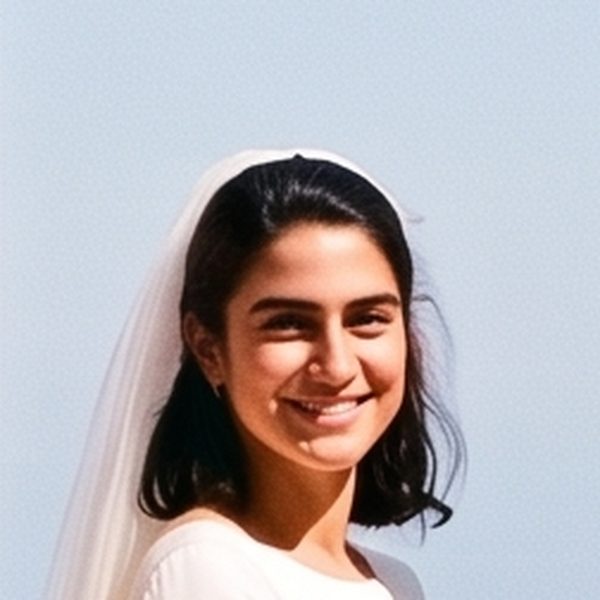
Femi’s Likeness covers 1987 only. A photo of him at sixty would need its own, and his family decides whether that exists at all.
A place you can look around
Nobody takes a picture of a whole room. They take four corners of it on the same afternoon. Bring those together and the place becomes somewhere you can turn around in.
Built from these four, held by two different members
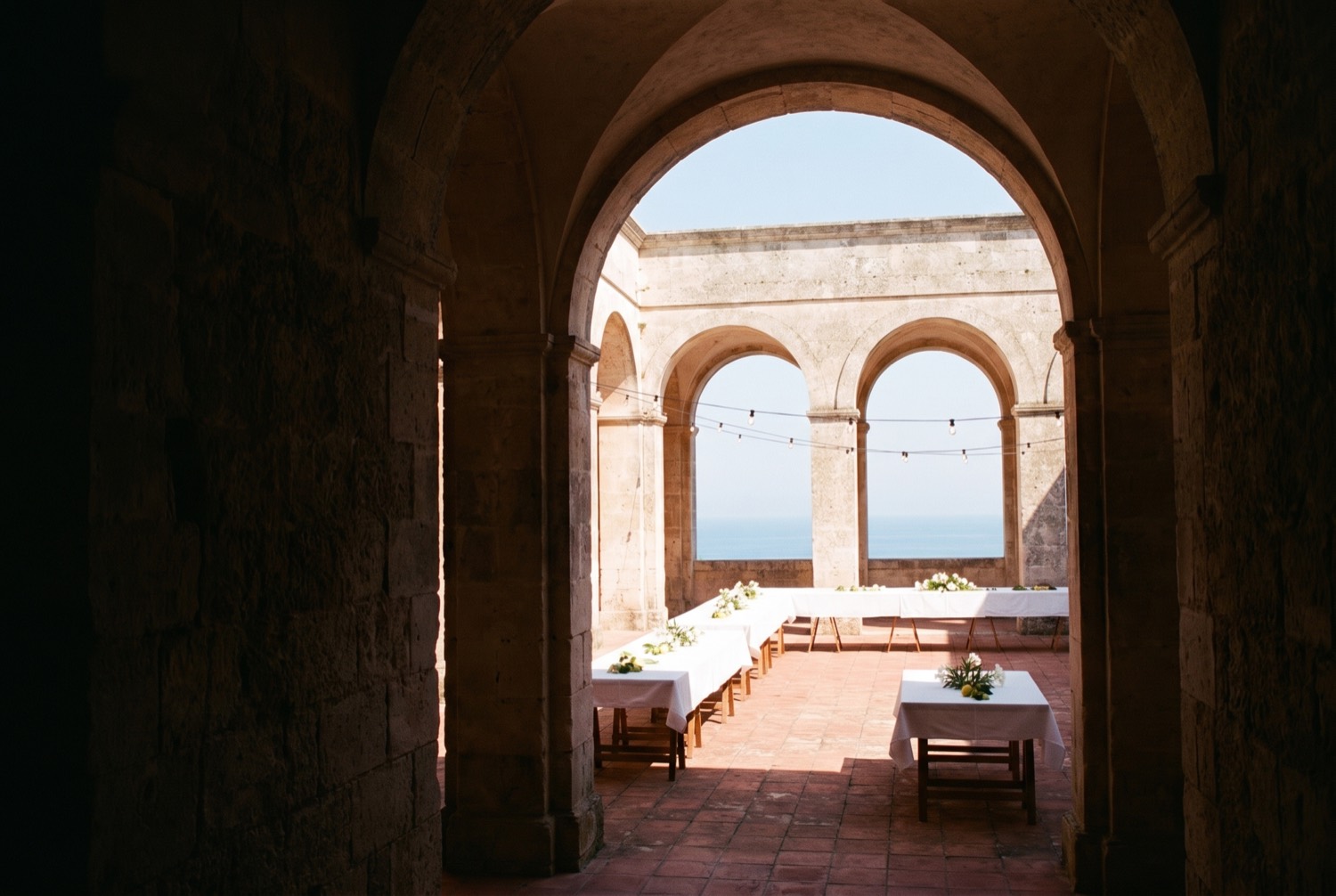
Grazia · From inside the entrance arch 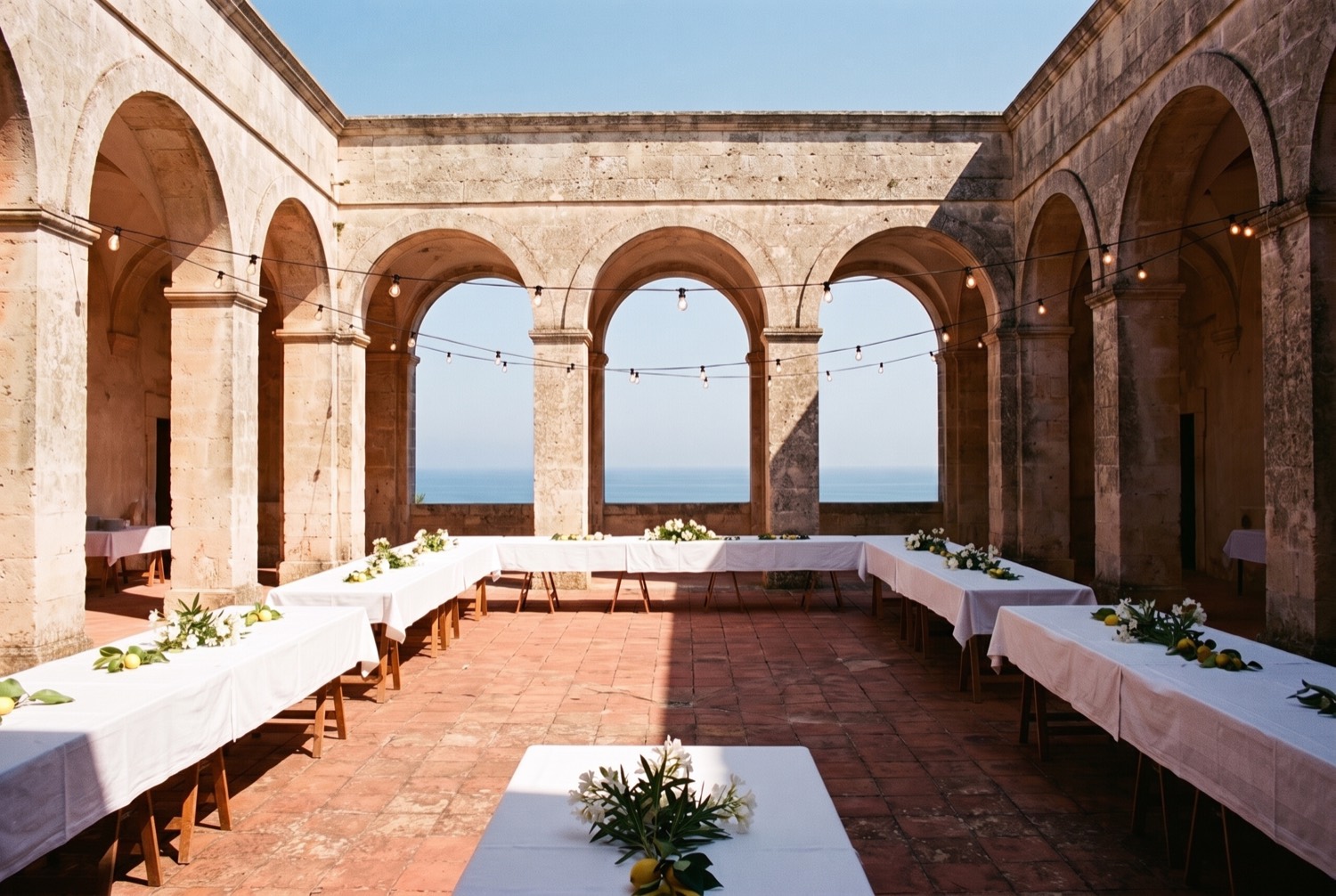
Grazia · Down the length of the tables 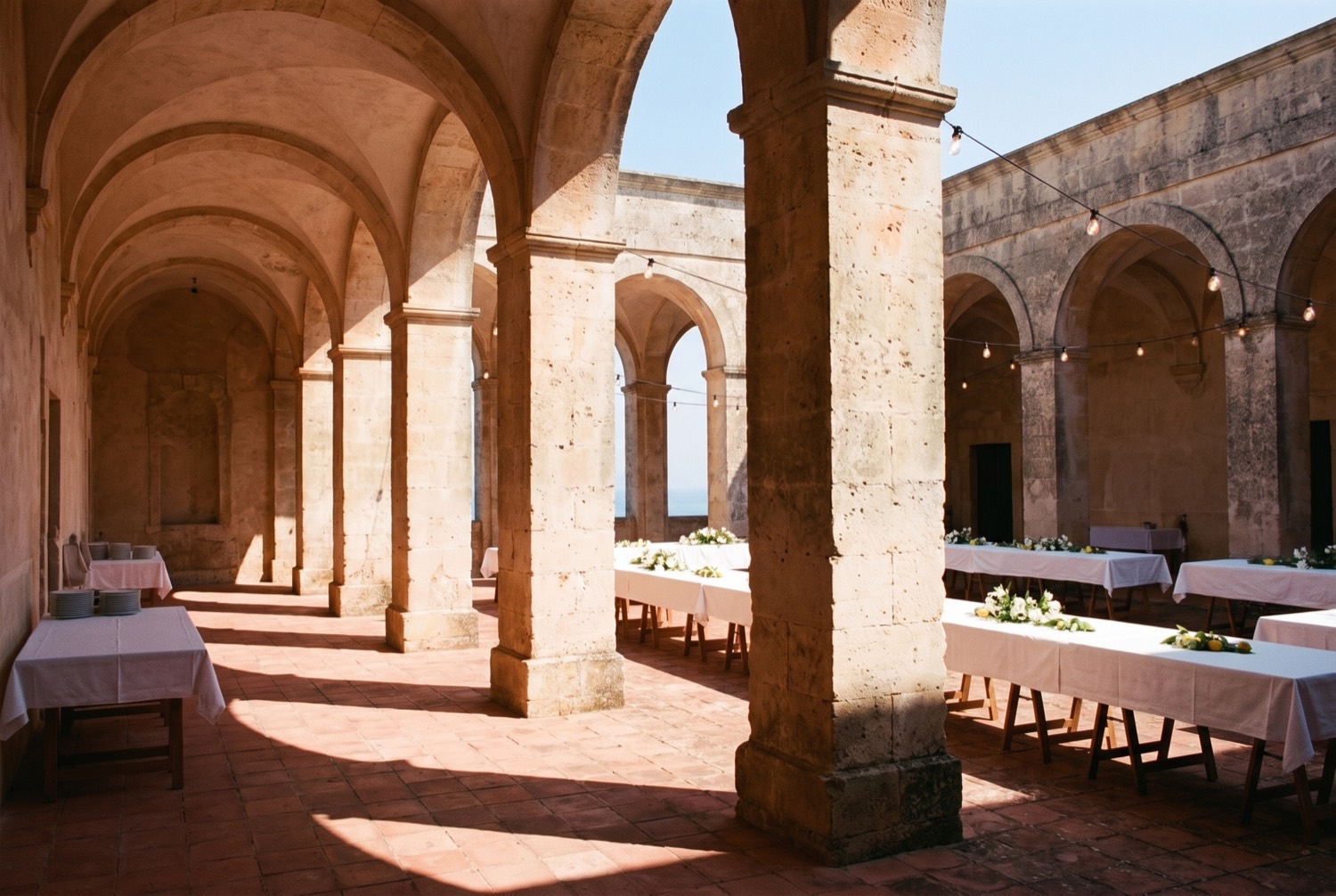
Chiara · Along the shaded colonnade 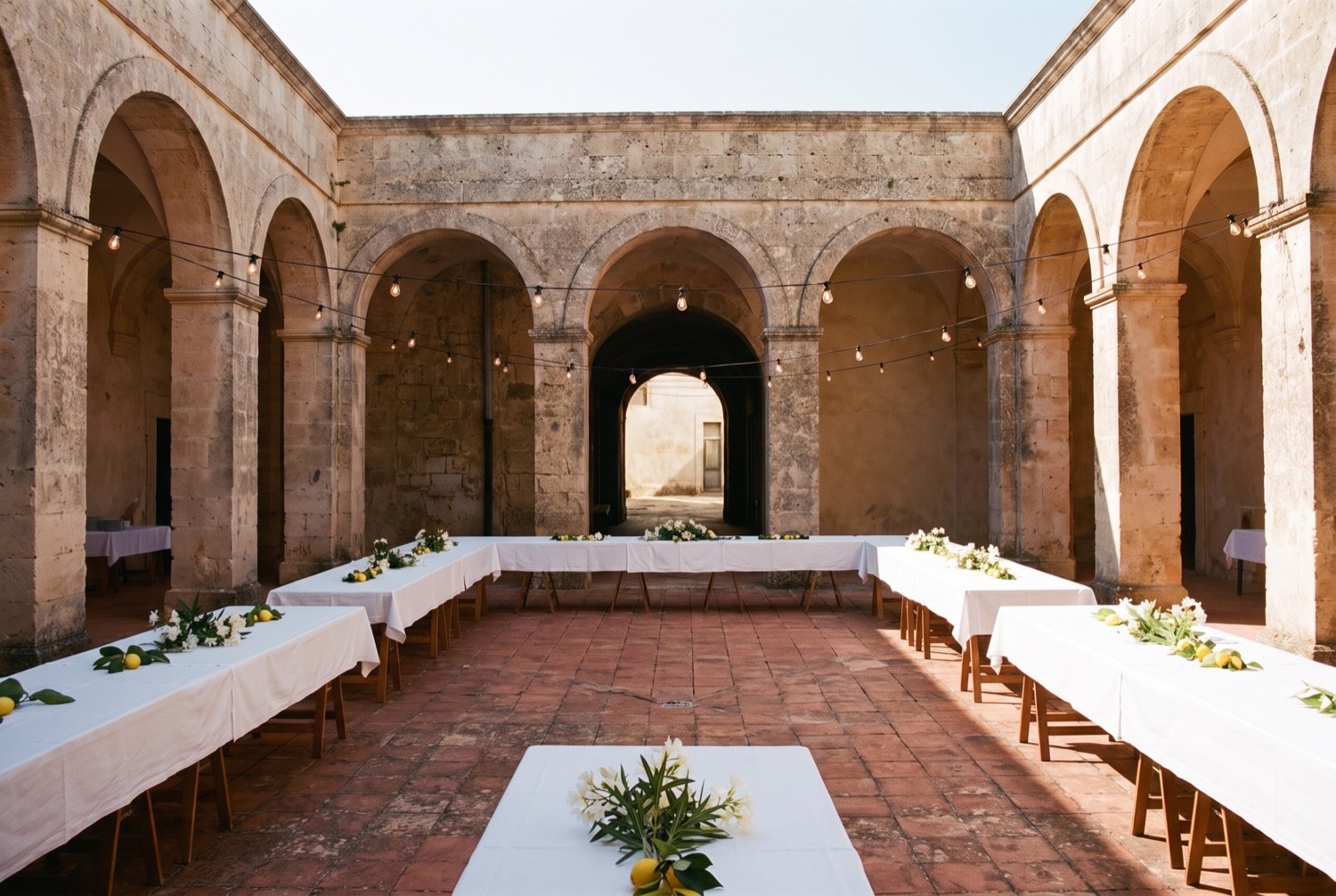
Chiara · Back towards the entrance
A scene is a created interpretation of the place, kept alongside the photos it was made from and never presented as one of them. It can be looked around on screen, and exported so it can be opened in a headset. There is no separate headset app.
Where a scene’s material comes fromWhat people remember, in their own voice
Record a story or write it down, and attach it to a photo, an album or a person. Every story stays in the name of whoever told it, and more than one person can tell a different version of the same afternoon.
Elide is seventy-one and has never uploaded a photo. She has recorded nineteen stories, and she is the only person left who knows most of the names.
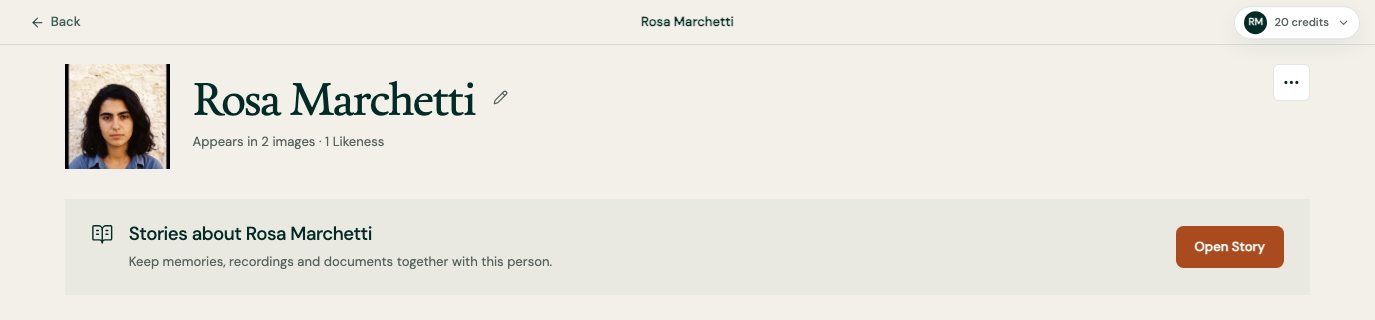
One panel from the person screen, on its own.
The same person, across decades
Name who appears, and connect them across photos and years. The record organises around people as well as dates, so a life can be followed through it rather than only a timeline of files.
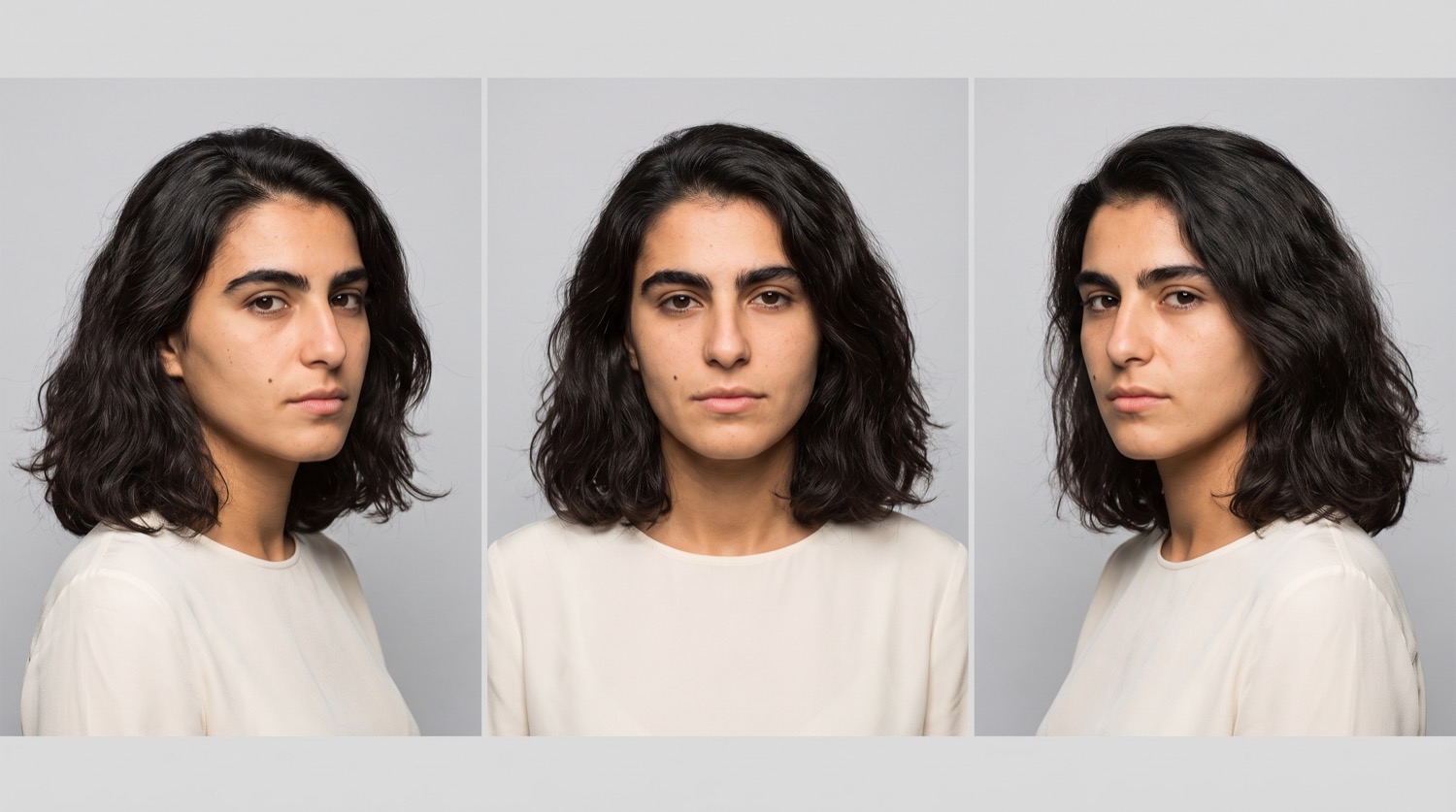
1987The wedding. Twenty-six. 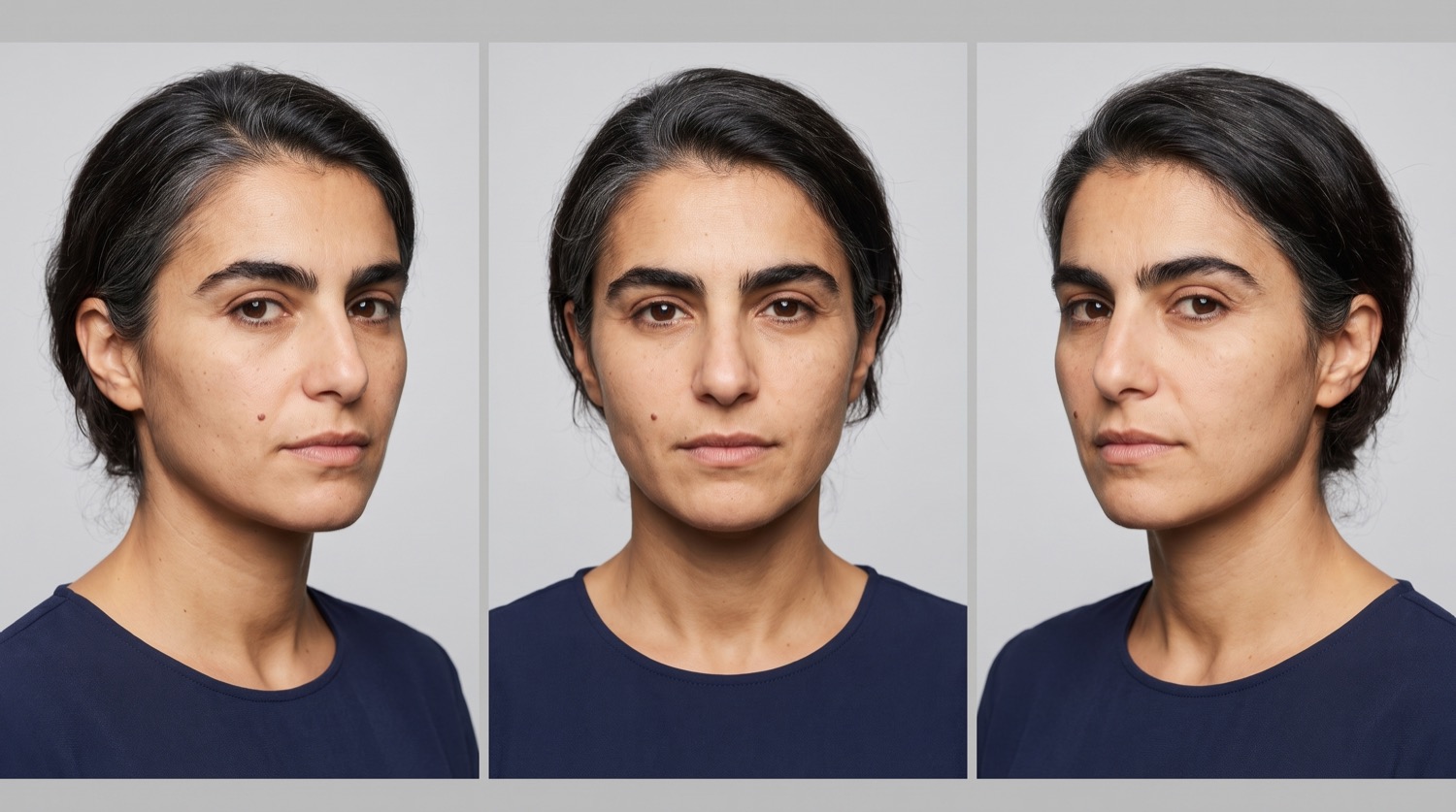
2004Added by her sister. 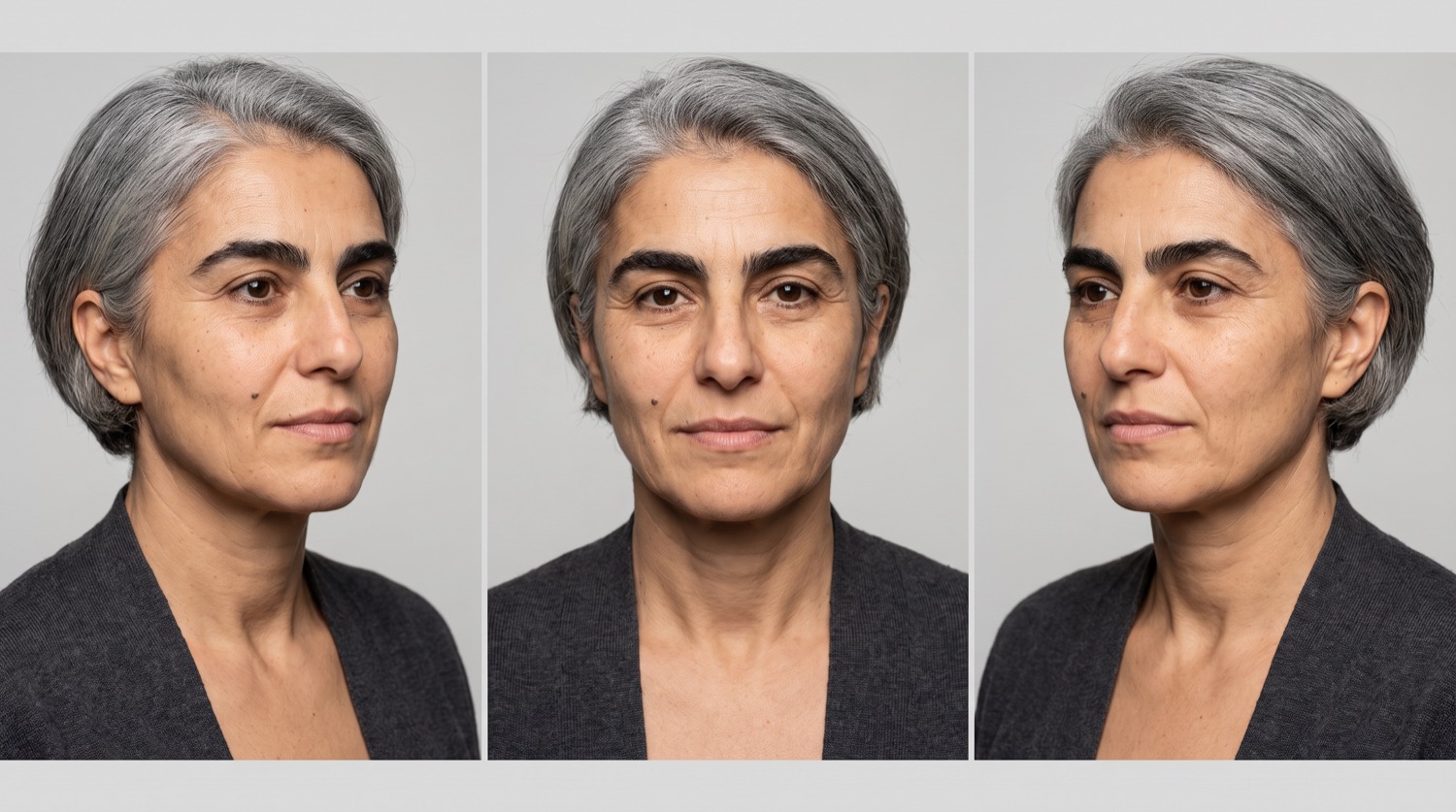
NowAdded by her daughter.
The same eyebrows, the same mole on the left cheek, forty years apart. Cirluma keeps them as one person, so a story told about the woman in the third picture is attached to the bride in the first.
A private group, and nobody else
A Circle is invitation-only. Members see what the Circle holds; everyone outside it sees nothing at all. Its owner decides who joins, what each member can do, and what (if anything) ever leaves.
Rosa opened the wedding Circle in 2019. It now holds the couple, her sister, Femi’s brother, the friend who took the best photos of the night, their two children and a niece in Lagos.
How membership and permissions workPhotos, albums and the things that came with them
Add single photos, complete albums, or captures of printed material: invitations, programmes, letters, the back of a print with a name on it. Originals are kept exactly as they arrived and nothing overwrites them.
This Circle holds the album the couple paid for, four guests’ rolls of film, the empty courtyard before anyone arrived, and a scan of the invitation with a pressed lemon leaf still in the fold.
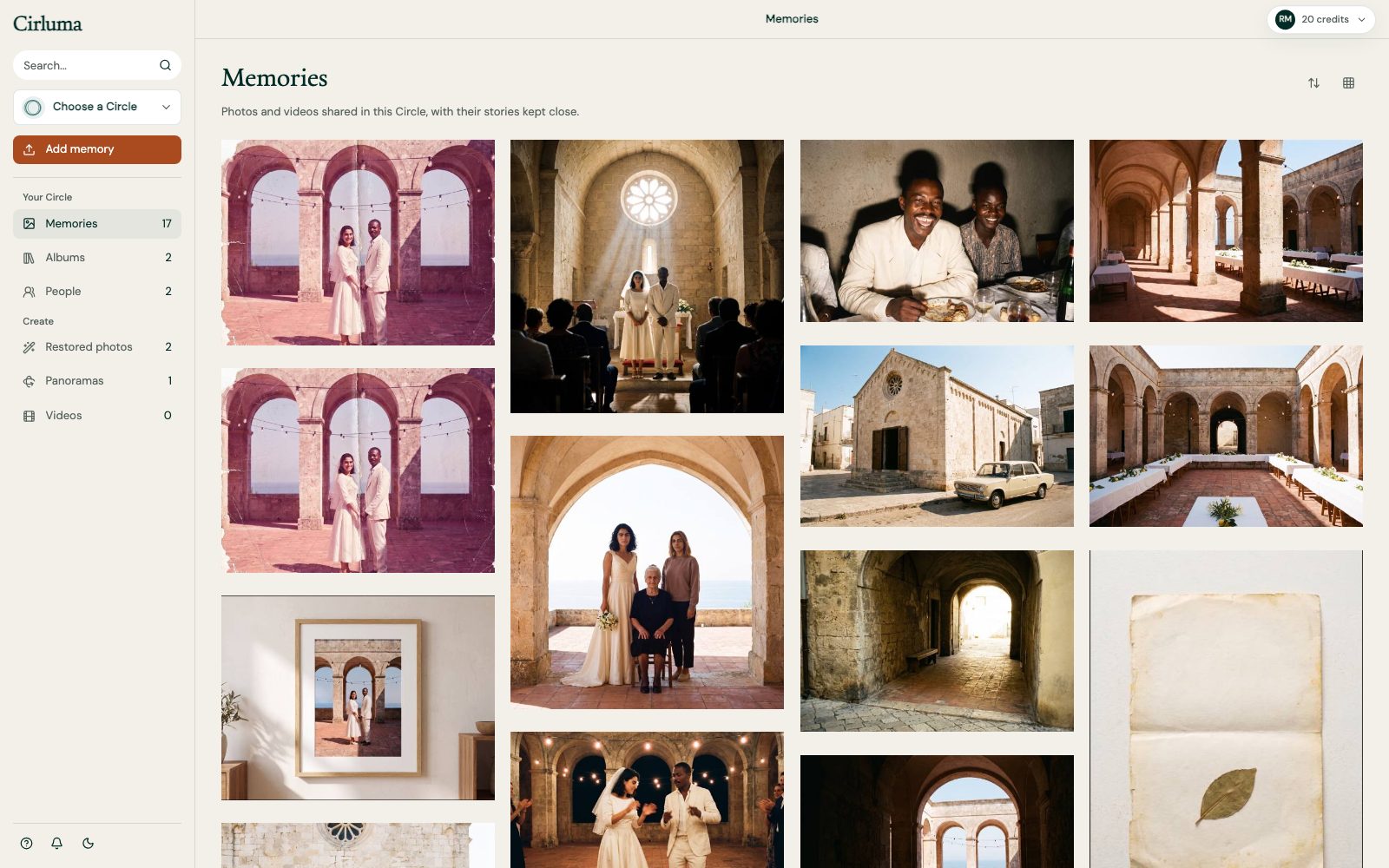
Albums and timelines you build together
Organise material into albums, or along a timeline, with more than one person doing the organising. Approximate dates are allowed, most old photos do not come with an exact one, and pretending otherwise loses information.
“Summer, probably 1966” is a date the Circle can hold. So is “before the move”.
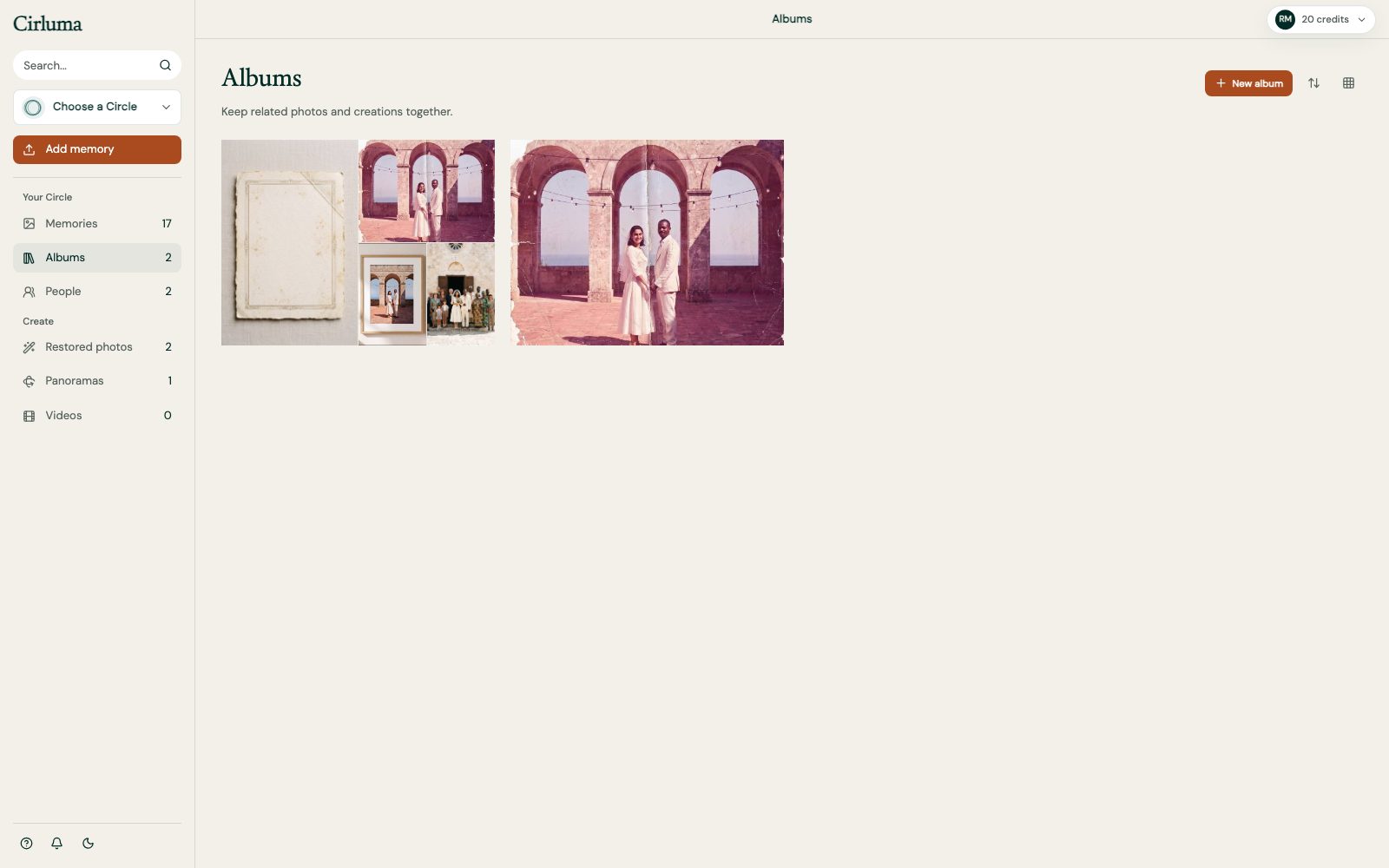
One Circle, two connected apps.
The same Circle, reached two ways. Only released functionality is described here.
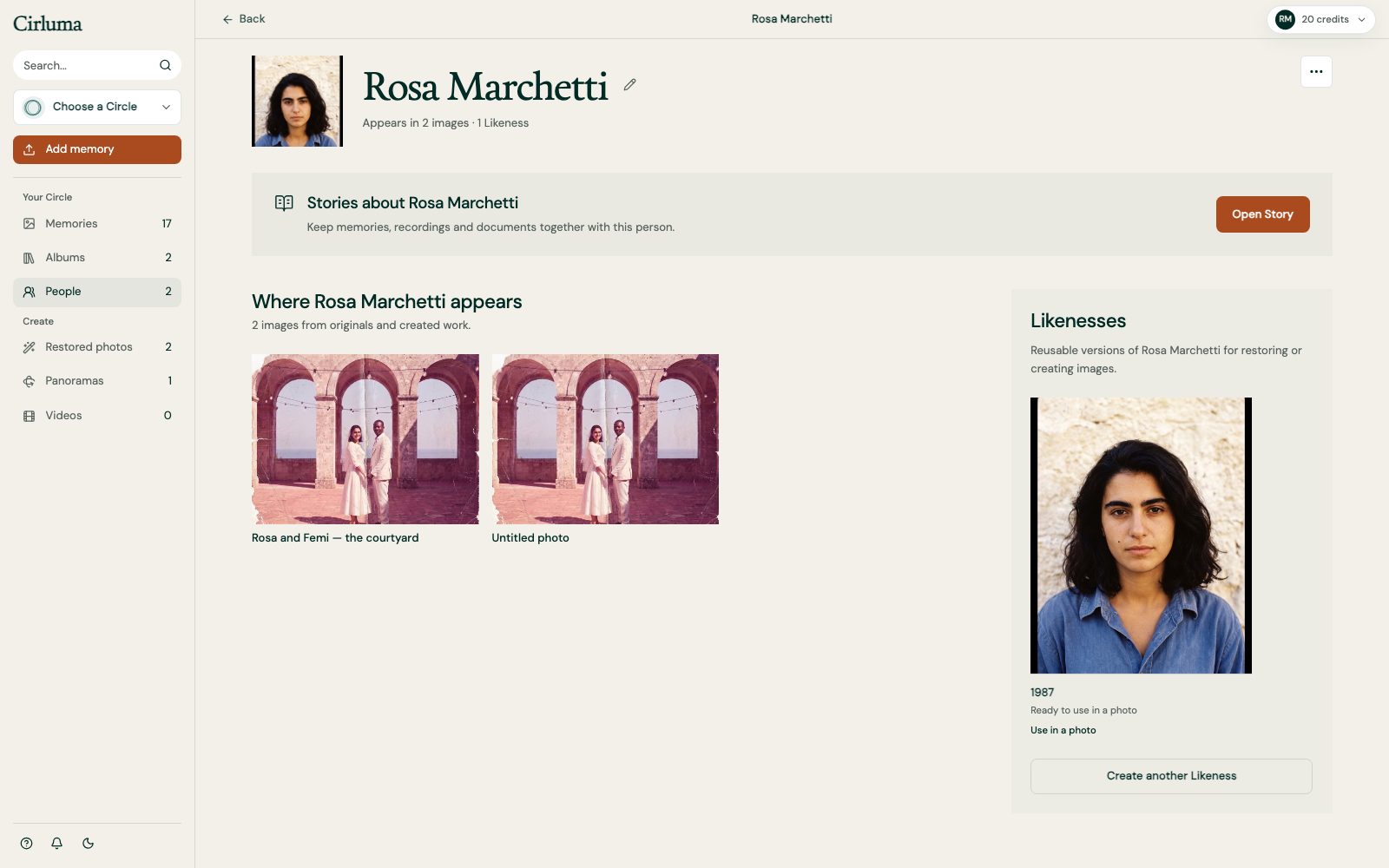
Build and organise on the web
The desktop workspace is where a Circle takes shape: organising collections, building albums and timelines, connecting people, reviewing Likenesses, restoring and reframing, creating and viewing 360 scenes, and managing members and permissions.
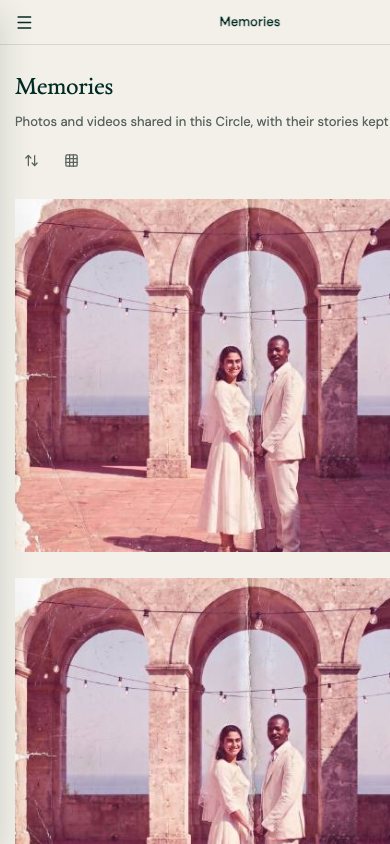
Take part from a phone
Browse shared albums, add what you remember and keep up with the Circle wherever you are.
Four Circles that used these.
Illustrative examples, all four made up and labelled as such. Between them they cover a Circle that uses none of the creation tools and one that uses every single one.
Friends, every summer
Photos, voice, writing and dates. No restoration, no Likeness, no 360.
Margaret’s Circle
A concept example: family reminiscence with an invited carer, and the gaps named.
A club across generations
A print off a clubhouse wall, mended. The bar as a scene you can look around.
Rosa and Femi, Trani 1987
Restoration, reframing, Likeness and a 360 of the venue, in one Circle.